Connecting to a Power Xpert Multi Point Meter, Step 5: Navigating the Touch Screen Display
6:36
Learn how to use the PXMP 6 inch or 10 inch color touch screen display to view metered values, virtual submeters, channel data, events and I/O. Xpect More from your tenant metering solution! For more information visit https://www.eaton.com/pxpm
Learn how to use the PXMP 6 inch or 10 inch color touch screen display to view metered values, virtual submeters, channel data, events and I/O. Xpect More from your tenant metering solution! For more information visit https://www.eaton.com/pxpm
Meters and relays Similar Videos
-
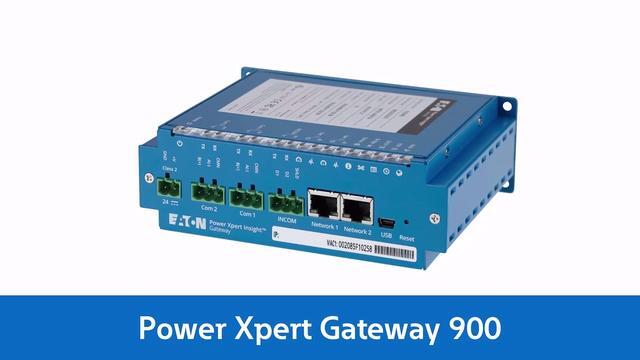
Eaton's Power Xpert Gateway 900
2:50
The PXG 900 acquires and consolidates data from devices typically found in electrical assemblies and systems. No other device can bring together data from such a wide variety of components.
-
Local Display Options for Eaton's Power Xpert Meter 4000/6000/8000
1:55
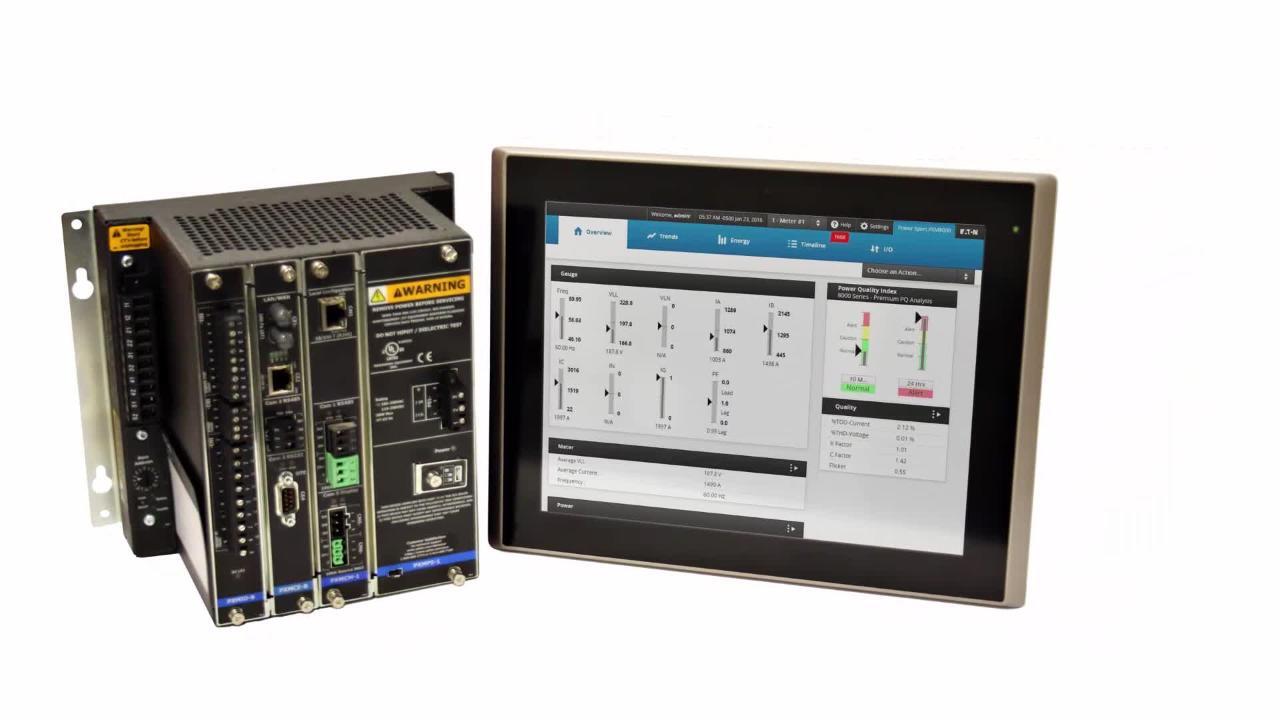
Eaton's 6" Color Touchscreen and 12" Advanced Display offers a new level of accessibility to critical information while standing in front of their electrical distribution system.
-
Upgrading your Power Xpert Meter to HTML5, PXMP Edition
3:13
Learn how to take your tenant metering experience to the next level by upgrading to Eaton's new HTML5 web interface for Power Xpert Meter. Download the upgrade package for the Power Xpert Multi Point today: http://bit.ly/2mKDO0n